How to Access Your Billing Portal
Access Billing Portal for the First Time
- Use the Link to Create Your Login
- Create Login
- Navigate to Your Email Address that we have for you Account.
- Locate your Update Password Link
- Create Password
- Access the System
Update Payment Method
- Login to InheritedData-Stripe Billing Portal
- Navigate to Update Payment Method
- Securely manage subscriptions, invoices, and saved payment methods.
Resetting Your Password
- Reset Your Password.
- Navigate to your email address that we have on file.
- Locate Update Password Link in your email account.
- Create New Password.
- Access the Portal.
Login
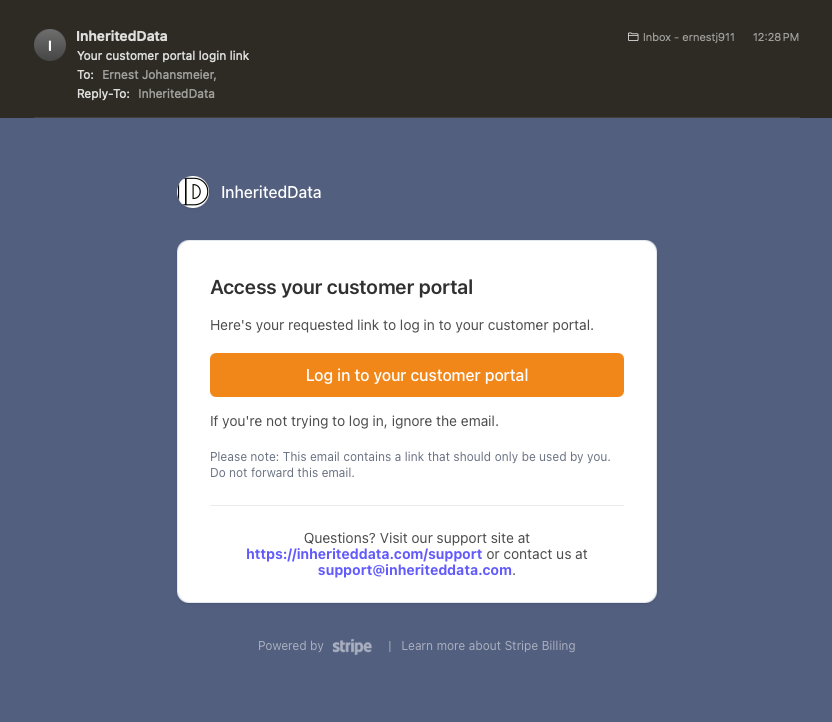
Click the link
https://billing.stripe.com/p/login/3cs4hC9MbaIb0rm000
Steps
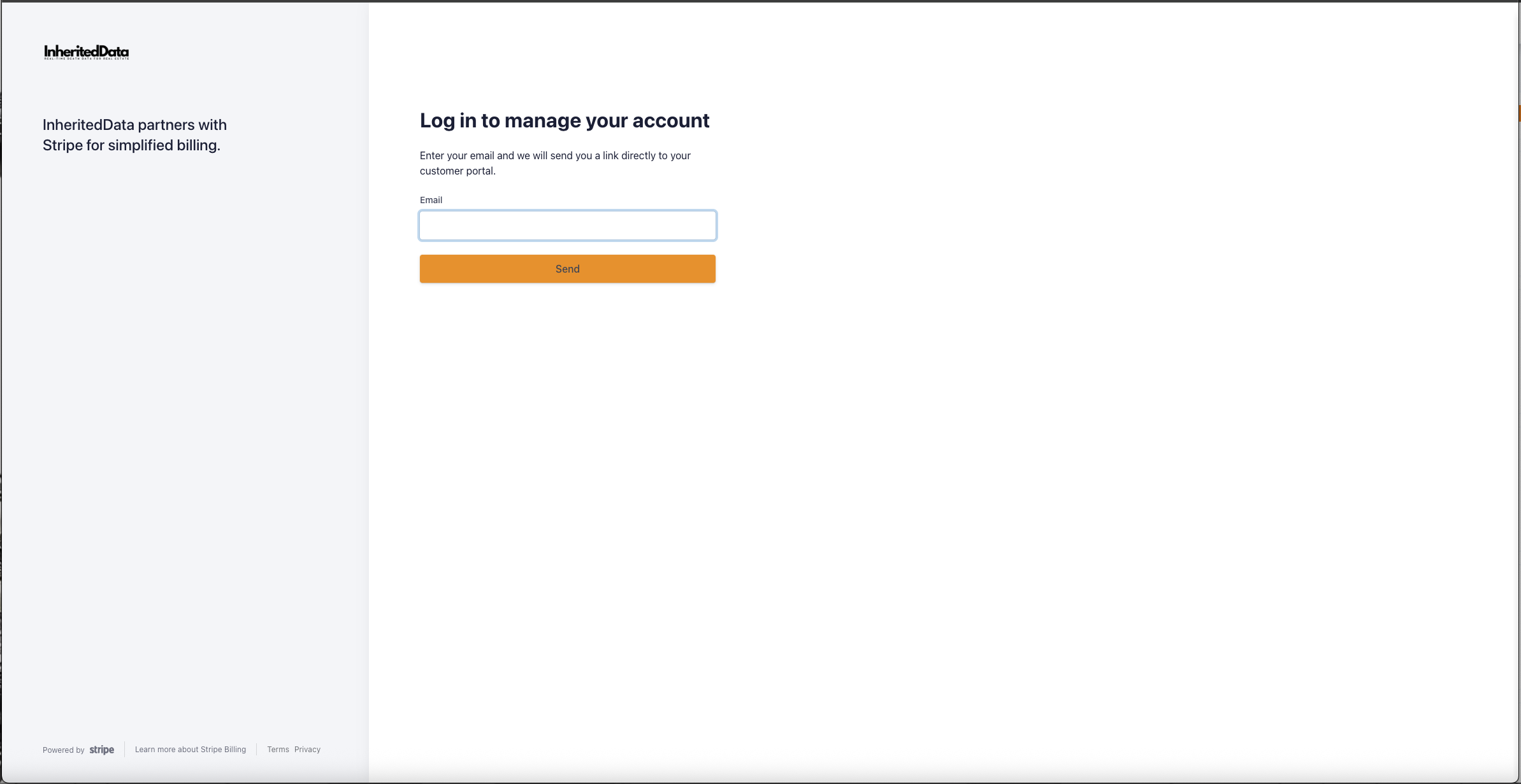
1) Enter email address that is associated with your Account.
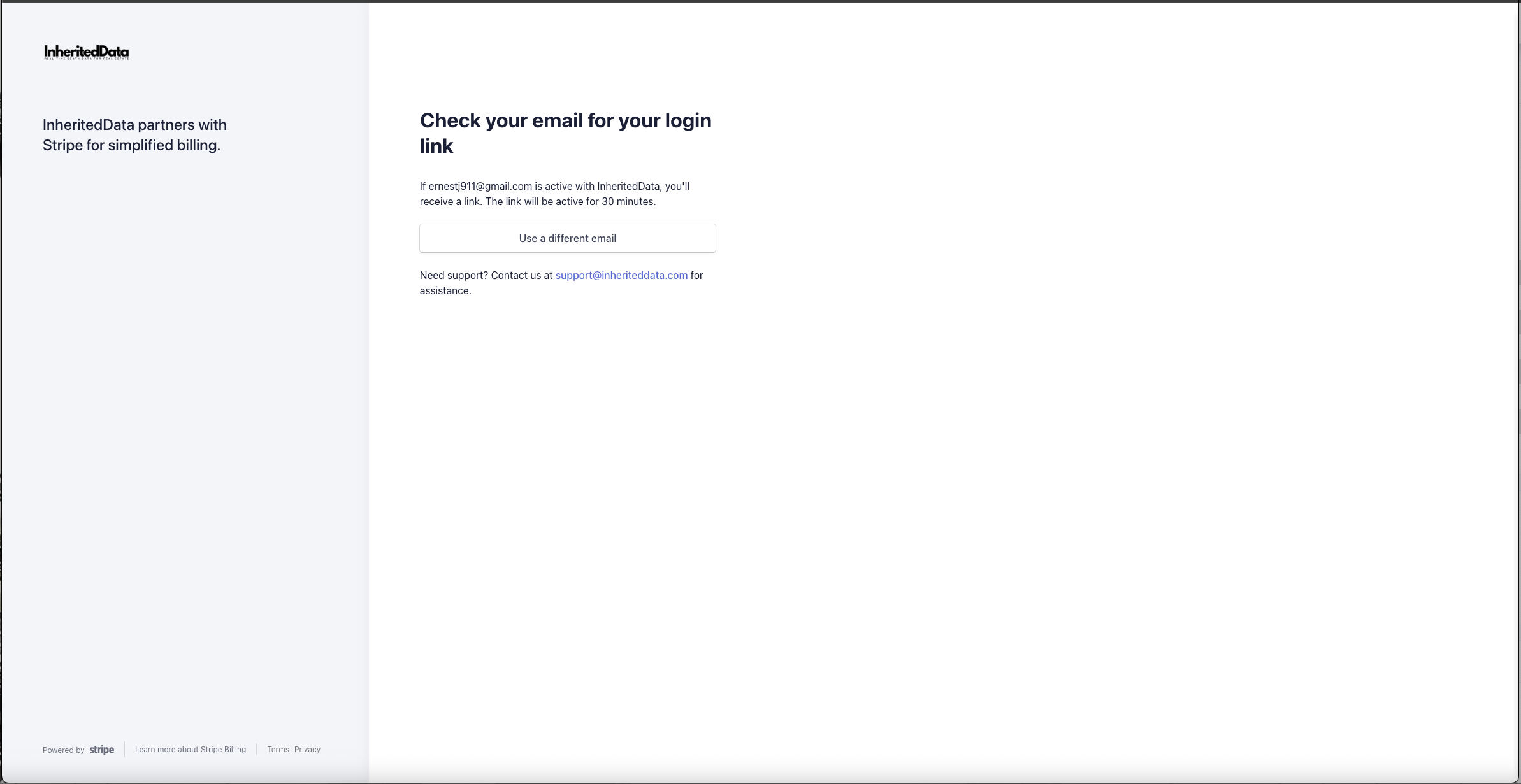
2) Access Your Email and Locate Login Link Email.
3) Click Link and Access Your Account